
Permit scan
Point your phone at the QR code printed on your state oversize or overweight permit. Route Pilot Pro reads it and builds the route the state approved, so you do not type in a route or a permit number.
Scan the QR code on your state permit and the app builds the permitted route for you.
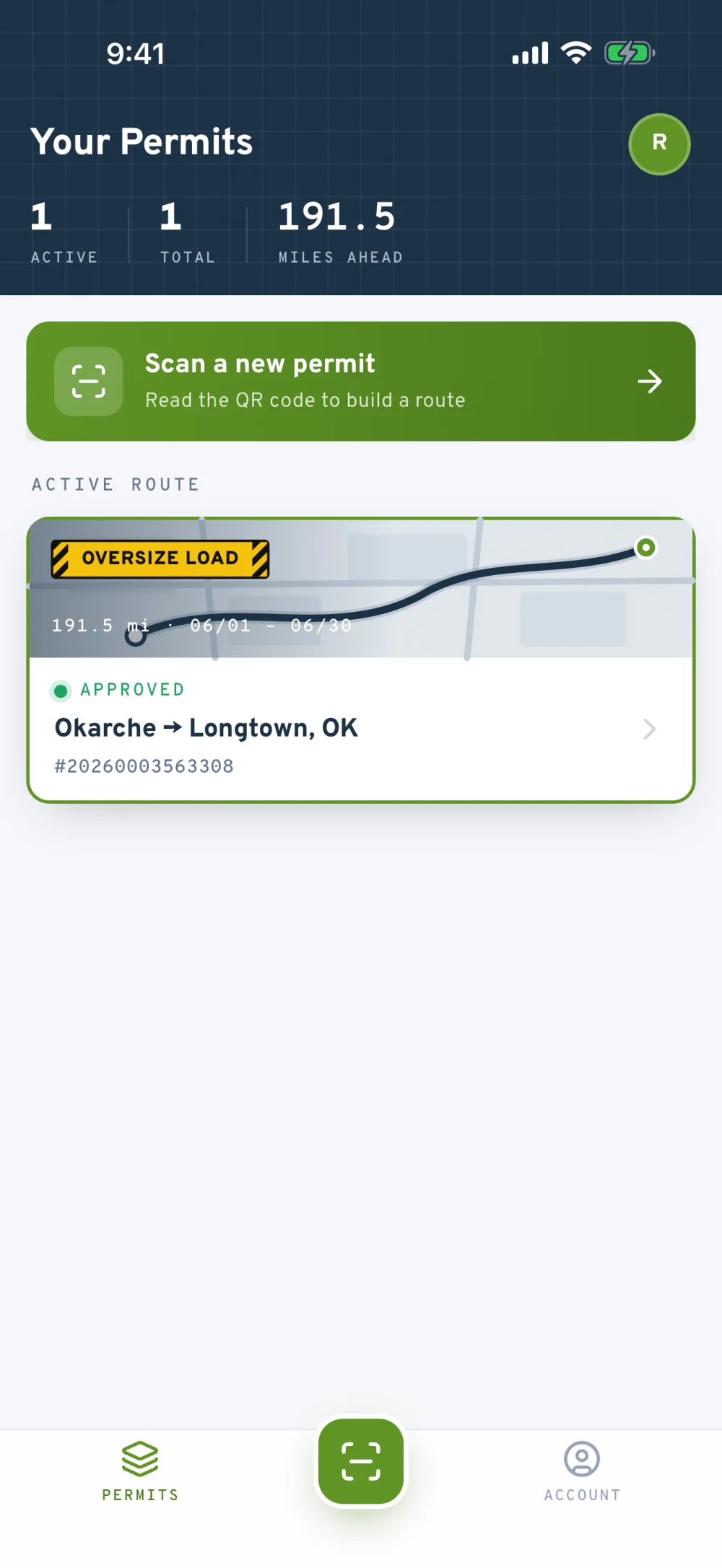
How it works in 4 steps.
- 01
Open the scanner
Tap the scan card on your permits screen. The first time, the app asks for camera access. It uses the camera only to read permit QR codes.
- 02
Frame the QR code
Hold your phone over the QR code until it sits inside the frame. The torch button in the top corner lights the code in a dark cab.
- 03
Wait for the route
The app reads the permit, finds your permitted route and checks the road network.
- 04
Open the permit
When you see "Permit verified", the permit opens with its route, dimensions, valid dates and restrictions.
What you see in the app.

- The camera view with a frame to line up the QR code, and a torch button.
- Status lines while it works, from "Reading permit" to "Finding your permitted route" to "Checking the road network".
- A "Permit verified" card with your permit number.
- The permit screen, with route miles, turns and estimated hours, then the permit number, issuing authority, valid dates, load dimensions and escorts.
Questions about permit scan.
What if my permit has no QR code?
Open the emailed permit PDF from the scanner or the permits screen. The app reads the PDF and builds the route the same way.
Does the app need my camera for anything else?
No. Route Pilot Pro uses the camera only to read permit QR codes.
What if the QR code will not scan?
Keep the code flat and well lit, and clean your camera lens. If it still fails, open the emailed permit PDF instead.
More from the product
Scan your next permit and drive the route it approves.
Download Route Pilot Pro on iPhone or Android, scan the QR code on your permit and start the drive.